Translate this page:
You can translate the content of this page by selecting a language in the select box.
Share this link!
Wezolo! Aenouledoo. This section is for all things payment and instructions. All Lineage based services and applicable public benefit services can be submitted by utilizing the links below. Check for more updates. Akpeloo!
Wezolo! Aenouledoo. Choose the applicable payment method by clicking on the photo or accompanying links below. Look at the Authentication information for each payment handle and confirm it is correct before proceeding to make your payment. NOTE: Once you have made your payment, email a copy of the receipt to mamathefire50@yahoo.com and contact the Society to confirm that you have submitted a payment.
Akpeloo!

AUTHENTICATION MARK: You may click on the photo, and it will direct you to either your app or the online webpage where Mama Zodede's PayPal is listed. PayPal will show the MWHS Temple of Mawu Logo and the @mamazodede handle. In the space where it asks you the reason, list the service you are paying for. Email a copy of your receipt to: mamathefire50@yahoo.com .
Akpeloo!
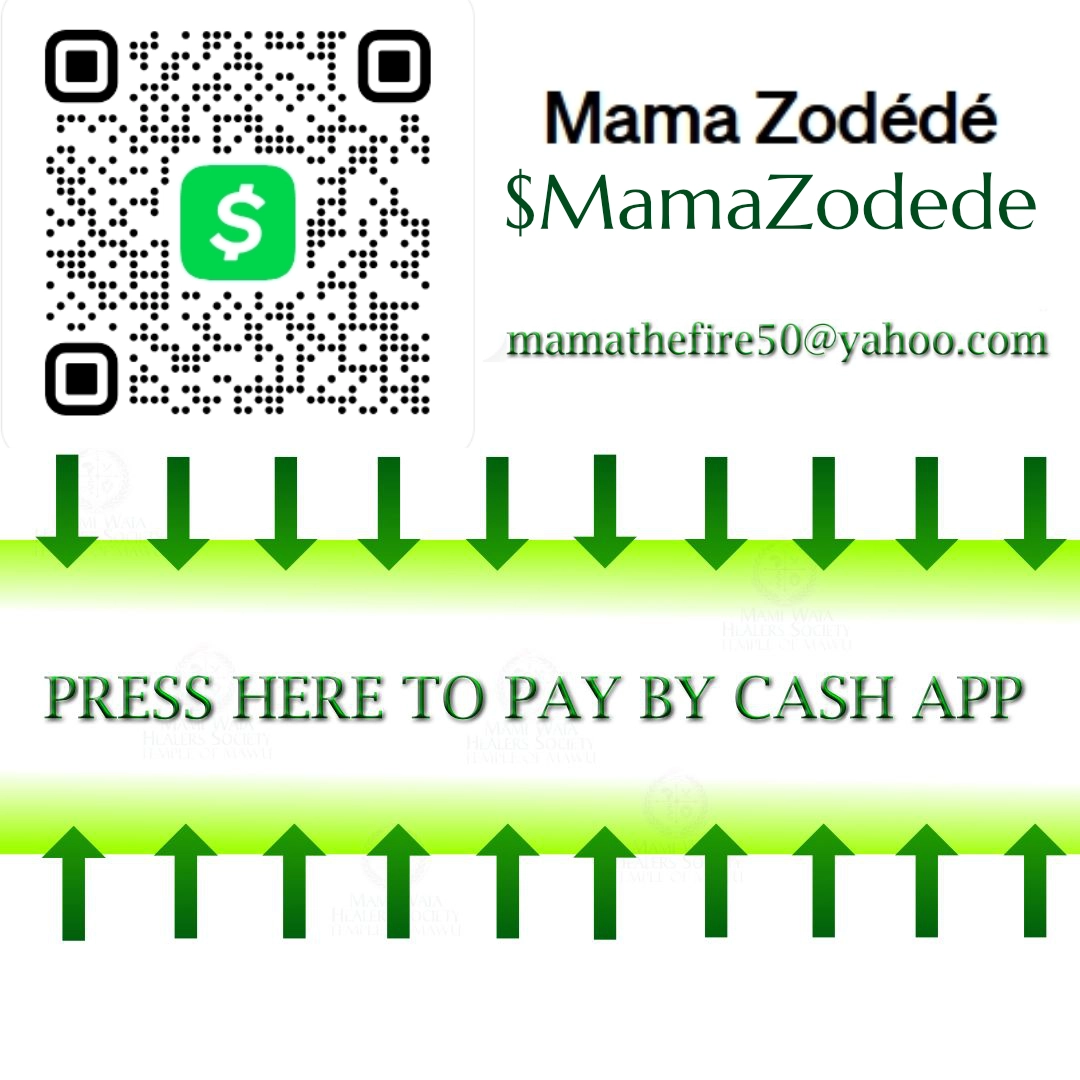
AUTHENTICATION MARK: You may click on the photo, and it will direct you to either your app or the online webpage where Mama Zodede's Cash App tag is listed. Cash App will show the MWHS Temple of Mawu Logo and the $mamazodede handle before you submit payment. In the space where it asks you the reason, list the service you are paying for. Email a copy of your receipt to: mamathefire50@yahoo.com .
Akpeloo!
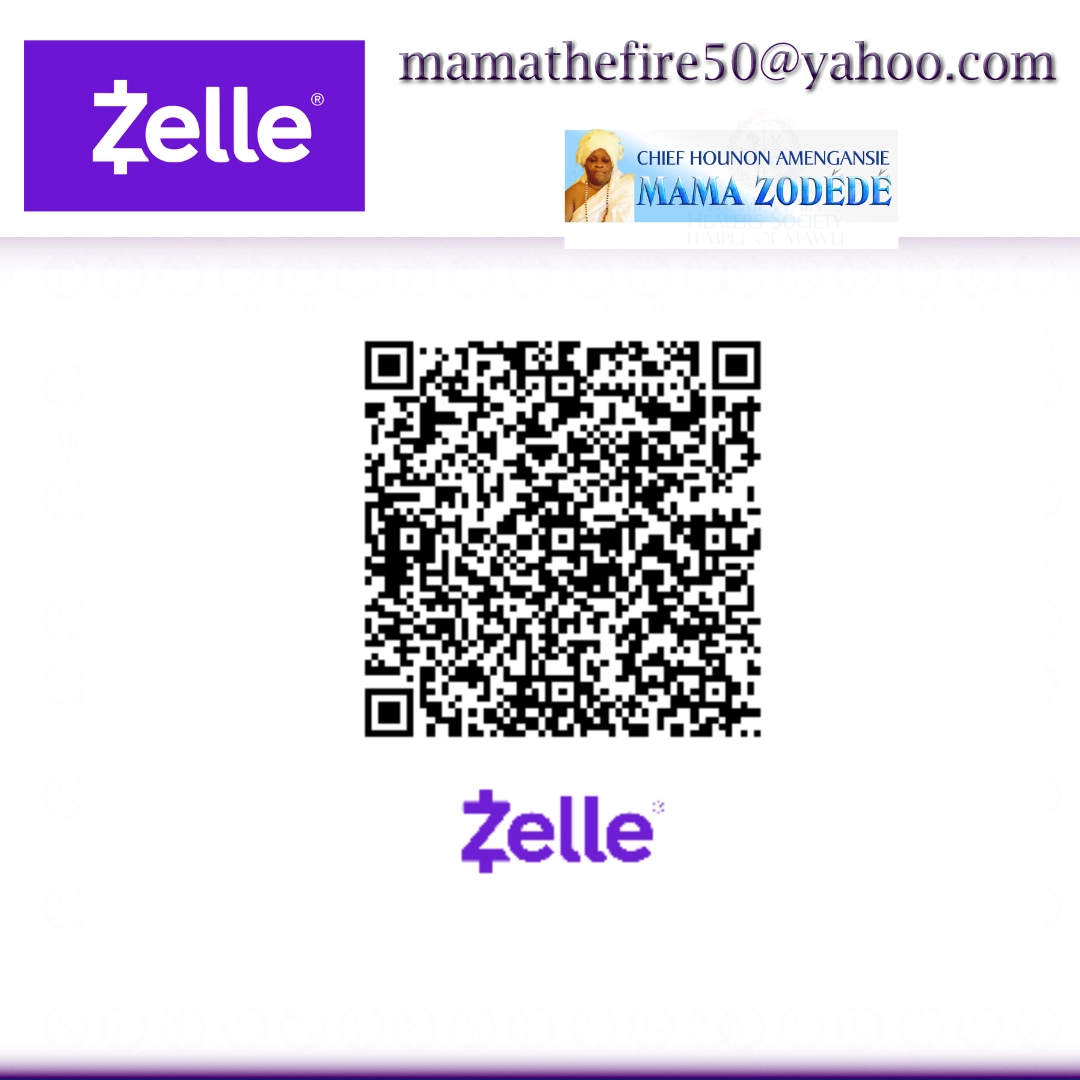
AUTHENTICATION MARK: You will find the link with Mama Zodede's private name and email address. We recommend confirming the email address listed on the photo, and placing the reason for the payment in the notes/memo section. Email a copy of your receipt to: mamathefire50@yahoo.com .
Akpeloo!